A Step-by-Step Guide to Installing Linux Mint XFCE with Windows 7 and Zorin OS Lite in Dual Boot
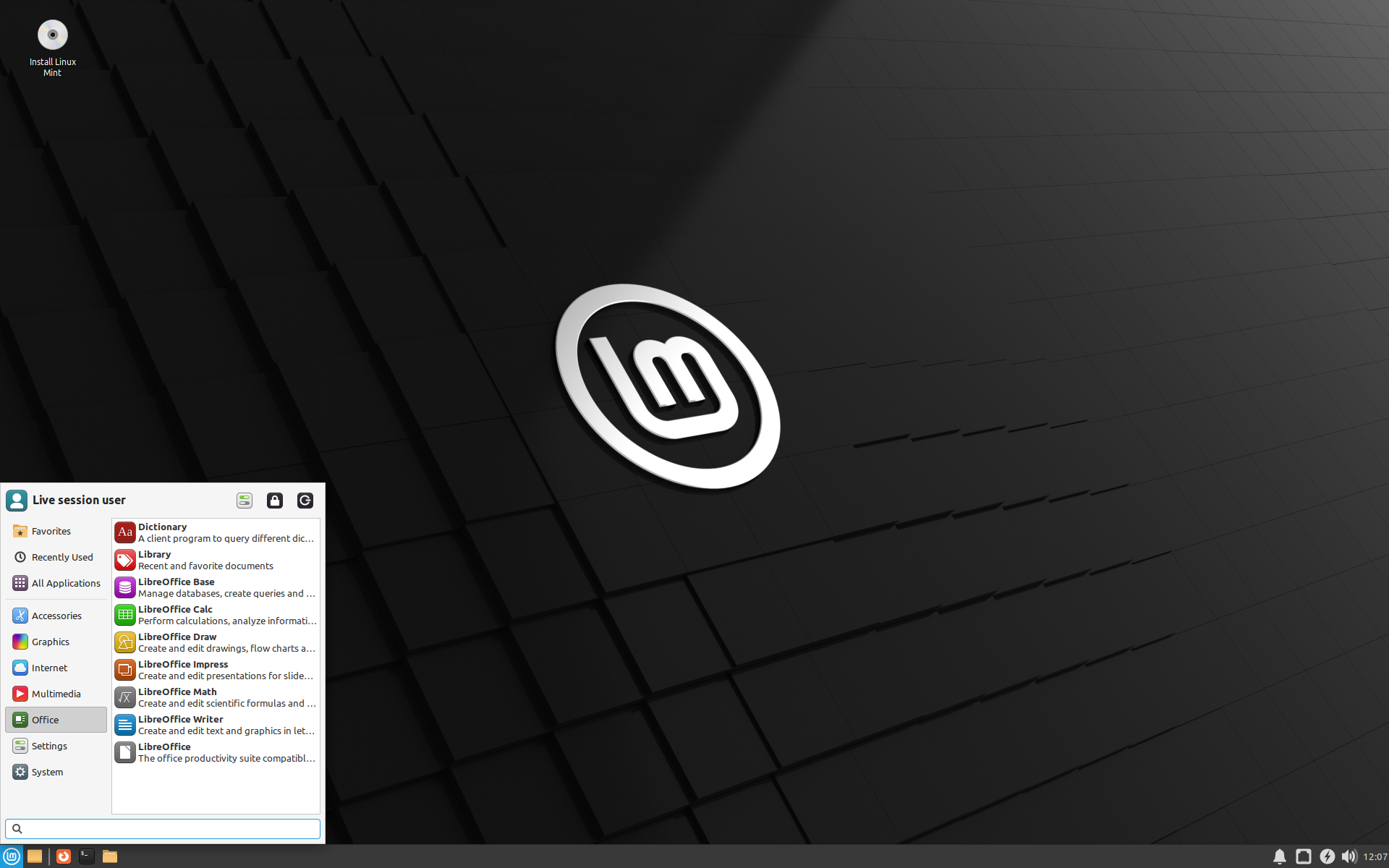
⚠️Caution: Please follow this post cautiously. I will not be responsible for any issue caused to your system.
You can google and find various blogs & videos that will tell you all the standard steps to follow. But this post is specific to my situation. The constraints I had, the errors I faced & the solutions that worked for me.
Requirements
- Stable internet & electricity connection
- Advanced knowledge about Windows & Linux
- 1 Old PC
- 1 Pen Drive
Preparation
⚠️Caution: Take a back up of your data before proceeding.
If Windows 7 is your permanent OS & you don't have any other in dual boot, follow this wonderful guide on how to proceed.
If you already have any other OS in dual boot with Windows 7, you might need to uninstall it, like I did.
-
Prepare the bootable USB
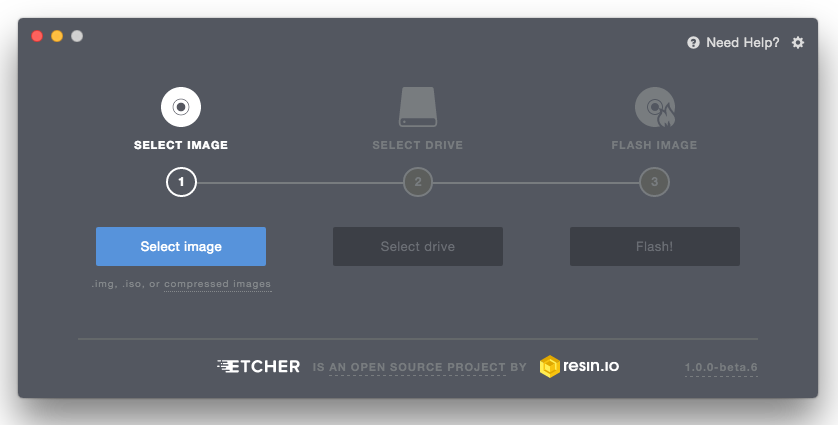
Follow these steps.
-
Uninstall Zorin OS

Following steps from this video
- I didn't had a bootable CD for Windows to fix boot menu. So I jumped to uninstalling Zorin.
Delete Partitionwas not enabled for me somehow. I tried to fix it but ended up extending the volume.- EasyBCD or any similar tool is not mandatory as you can fix your BCD using Windows Command Prompt
- I rebooted my system to begin installing Linux Mint
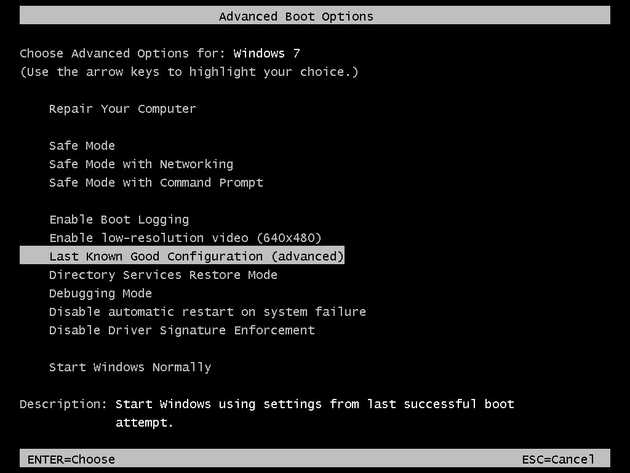
- You can try to enter Windows recovery by following these steps if feasible.
-
Installing Linux Mint
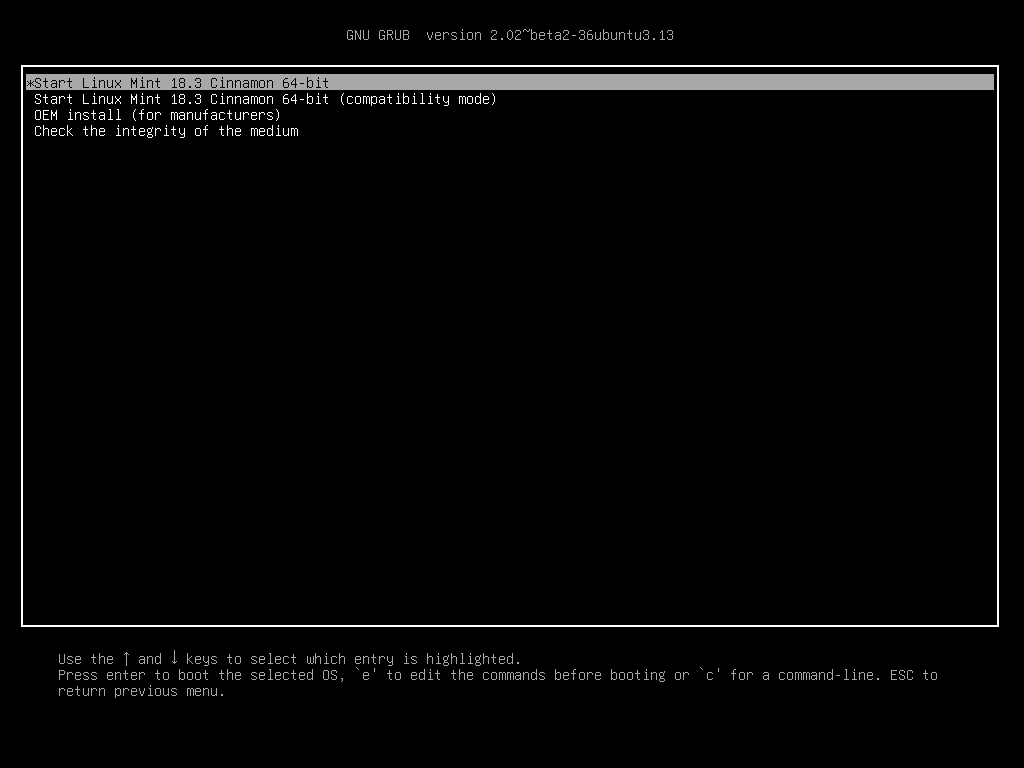
I got a similar GRUB menu & followed the steps described here After installation is completed. We have to fix boot menu before restarting.
-
Repair Boot Menu
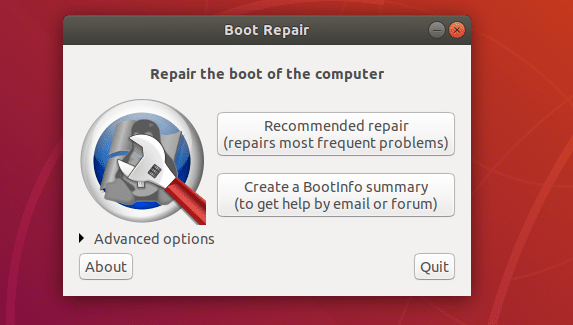
It is possible to fix any boot issues using Linux. In fact, if you are stuck in a situation try to boot into another OS & fix the boot issues.
Boot Repair is a tool to repair common boot issues on Ubuntu, Debian, Arch, Linux Mint, OpenSUSE, Fedora and other Linux distributions, Windows and Mac OS operating systems. I followed this guide.
You have to
- Install Boot Repair
- Do Recommended Repair
- Backup Partition Table
- Repair File System
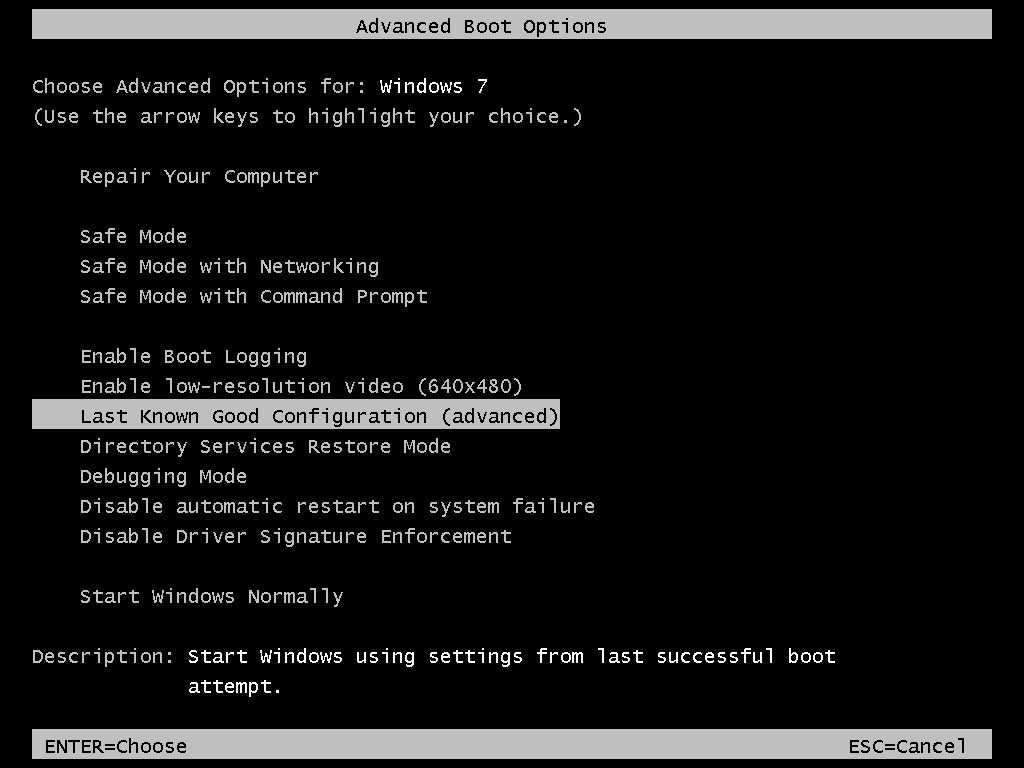
Try rebooting & check if both Linux Mint & Windows 7 are working as expected.
👋 You have successfully installed Linux Mint in dual boot with Windows 7 after uninstalling Zorin OS! 🥳
Thanks for reading 🙏 If you’ve made it this far, I really thank you for your time :) That’ll be all for me today. Until next time 👋